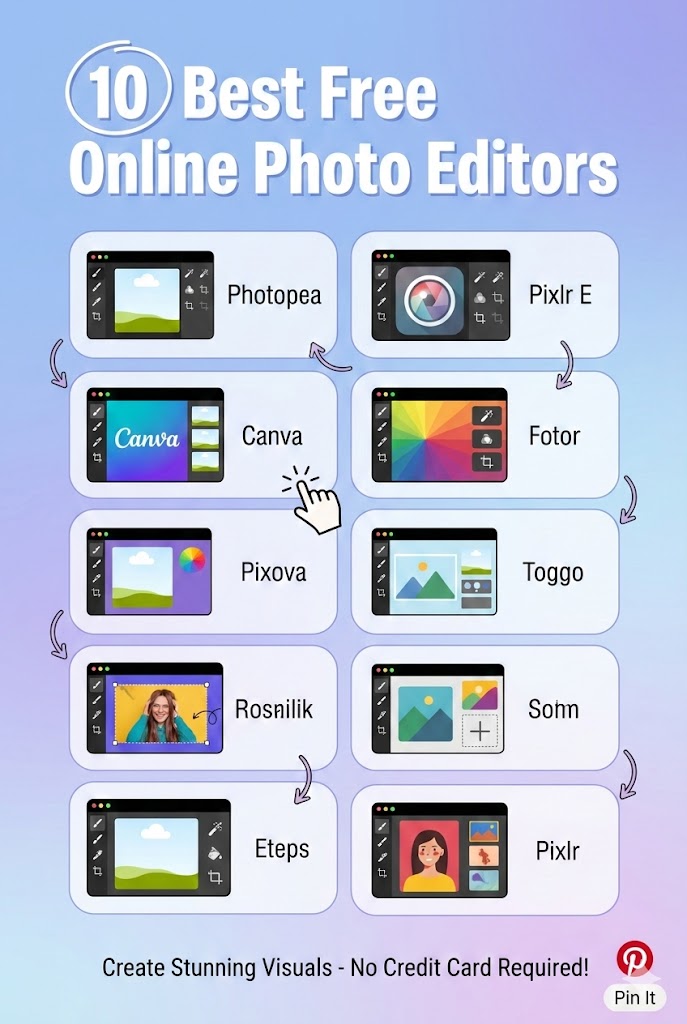
The era of “expensive software is better” is officially over. In 2026, the best photo editing tools aren’t just affordable—they are completely free and run directly in your web browser. Whether you are a student, a social media manager, or just someone who wants to meme-ify their cat, you no longer need to install heavy software like Photoshop.However, “free” can be tricky. Some sites trap you with watermarks, while others limit your downloads. We have tested dozens of editors to find the ones that genuinely let you edit and export without forcing you to pull out a credit card.
Below is our definitive list of the top 10 free online photo editors for 2026.
Quick Comparison: Free Editor Features
| Rank | Editor | Best Use Case | Login Required? | URL |
| 1 | Photopea | Photoshop Clone | No | photopea.com |
| 2 | Pixlr E | Advanced Editing | Optional | pixlr.com |
| 3 | Adobe Express | Social Media & AI | Yes | express.adobe.com |
| 4 | Canva | Graphic Design | Yes | canva.com |
| 5 | Edit.photo | Privacy & Speed | No | edit.photo |
| 6 | Fotor | One-Tap Enhancements | Optional | fotor.com |
| 7 | FPE | Instant Utility | No | freephotoeditors.com |
| 8 | iPiccy | Portrait Retouching | No | ipiccy.com |
| 9 | BeFunky | Collage Making | Optional | befunky.com |
| 10 | Google Photos | Cloud Management | Yes | photos.google.com |
1. Photopea
The Browser-Based Powerhouse
If you have ever used Adobe Photoshop, you will feel instantly at home with Photopea.1 It is widely considered the best free alternative to professional desktop software. It supports layers, masks, smart objects, and even RAW files. It survives on ad revenue, meaning you get the full suite of professional tools without paying a cent.
- Pros: Supports
.PSD,.XD,.AI, and.RAWfiles; extensive layer support. - Cons: The interface is complex for beginners; contains banner ads.
- Link: https://www.photopea.com/
2. Pixlr E
The Balanced Editor
Pixlr has been a staple of the internet for over a decade.2 In 2026, its “E” (Editor) version balances power and simplicity perfectly. It offers a classic toolbar on the left with layers on the right, making it great for detailed work like cutting out backgrounds or precise color grading.
- Pros: Clean, customizable interface; great “Magic Wand” selection tools.3
- Cons: Some advanced AI features are now gated behind a subscription.
- Link: https://pixlr.com/e/
3. Adobe Express
The High-Quality Creator
Adobe Express (formerly Spark) allows you to use the power of Adobe’s engine for free.4 While it requires an account, the free tier is incredibly generous, offering thousands of templates, fonts, and the ability to remove backgrounds (limited credits per month). It is the best choice if you need your text and layout to look professional immediately.
- Pros: Access to Adobe Fonts; excellent “Firefly” generative AI tools (limited free use).
- Cons: Requires an Adobe account sign-up; some stock photos are watermarked.
- Link: https://new.express.adobe.com/
4. Canva
The Design Standard
Canva is less of a “photo editor” and more of a “design ecosystem,” but its photo editing capabilities have improved drastically. You can adjust brightness, contrast, and saturation, or use their “Smart Mockups” to place your photo onto a t-shirt or laptop screen instantly.5 It is the number one choice for non-designers creating social media content.
- Pros: Massive library of free stickers and frames; incredibly easy to use.6
- Cons: You cannot do pixel-level editing (like cloning or healing) easily.
- Link: https://www.canva.com/
5. Edit.photo
The Privacy-First Choice
A rising star in 2026, Edit.photo is loved for what it doesn’t have: no ads, no cookies, no logins, and no pop-ups.7 It is a clean, dark-mode editor that runs locally in your browser. It is perfect for cropping, filtering, and annotating images quickly without worrying about your data being tracked.
- Pros: Fastest load time on this list; 100% privacy-focused; zero ads.
- Cons: Lacks advanced features like layers or lasso selection.
- Link: https://edit.photo/
6. Fotor
The Enhancer
Fotor is famous for its HDR technology.8 If you have a photo that is washed out or too dark, Fotor’s “One-Tap Enhance” is often superior to other free tools. While it has a pro version, the free editing suite allows for robust adjustments, curves, and basic retouching without a watermark.
- Pros: Excellent color correction tools; built-in batch processing.
- Cons: Aggressive upsell pop-ups for the Pro version.
- Link: https://www.fotor.com/
7. FPE
The Instant “Swiss Army Knife”
Sometimes you don’t want to load a complex interface just to perform a simple task. FreePhotoEditors.com is the hidden gem of 2026 for users who want immediate utility. It aggregates the most essential editing functions—cropping, resizing, filtering, and basic adjustments—into a lightweight platform that requires absolutely no login or setup.
It is particularly useful for users on older computers or slow internet connections, as the site is optimized for speed. If you need to quickly resize an image for a government form or add a filter for a profile picture, this is the most accessible route.
- Pros: No registration required; lightweight and fast; 100% free to use.
- Cons: Not designed for complex vector graphics or multi-layer composites.
- Link: https://freephotoeditors.com/
8. iPiccy
The Retouching Specialist
iPiccy remains a favorite for portrait photographers who don’t have a budget. Its “Retouch” tab offers specific tools for skin smoothing, eye brightening, and teeth whitening that are easier to control than automated AI filters. It feels like a simplified version of Lightroom directly in your browser.
- Pros: Best-in-class manual retouching tools for faces; totally free.
- Cons: The interface feels slightly dated compared to modern AI tools.
- Link: https://ipiccy.com/
9. BeFunky
The Collage King
BeFunky is divided into three sections: Photo Editor, Collage Maker, and Designer.9 The Collage Maker is the standout feature, allowing you to drag and drop photos into dynamic grids without worrying about aspect ratios. The photo editor is also competent, offering a wide range of “Arts” filters that turn photos into paintings or sketches.
- Pros: The best free collage interface on the web; fun artistic filters.
- Cons: Many of the best “art” effects require a Plus subscription.
- Link: https://www.befunky.com/
10. Google Photos
The Cloud Essential
While mostly known for storage, the web editor inside Google Photos has quietly become very powerful. In 2026, it offers “Magic Editor” features for free users (with some limits). It is the most convenient option if your photos are already backed up to Google, allowing you to edit seamlessly across your phone and laptop.
- Pros: seamless sync with Android/iPhone; excellent auto-adjustment algorithms.
- Cons: You must have a Google account; tools are limited compared to Photopea.
- Link: https://photos.google.com/
Conclusion
For 90% of users in 2026, paying for photo software is unnecessary.
- If you need to do serious work with layers and masks, bookmark Photopea.
- If you want speed and privacy for quick crops and edits, go to FreePhotoEditors.com or Edit.photo.
- If you are designing social media graphics, stick with Canva or Adobe Express.